5 Best All-in-One Printers for Home Use in 2026 – Print, Scan & Copy
Choosing the Best All-in-One Printers for Home Use in 2026 isn’t just about finding something that prints. Most households now need one device that can reliably print school worksheets, scan and email documents, and copy forms—without turning ink refills into a monthly expense. If you’re shopping for a dependable home all-in-one printer, the “best” option depends on how you print (a few pages a week vs. daily), what you print (text vs. photos), and how much maintenance you’re willing to tolerate.
Table of Contents
Quick comparison: top Amazon-ranked home printers (2026 shortlist)
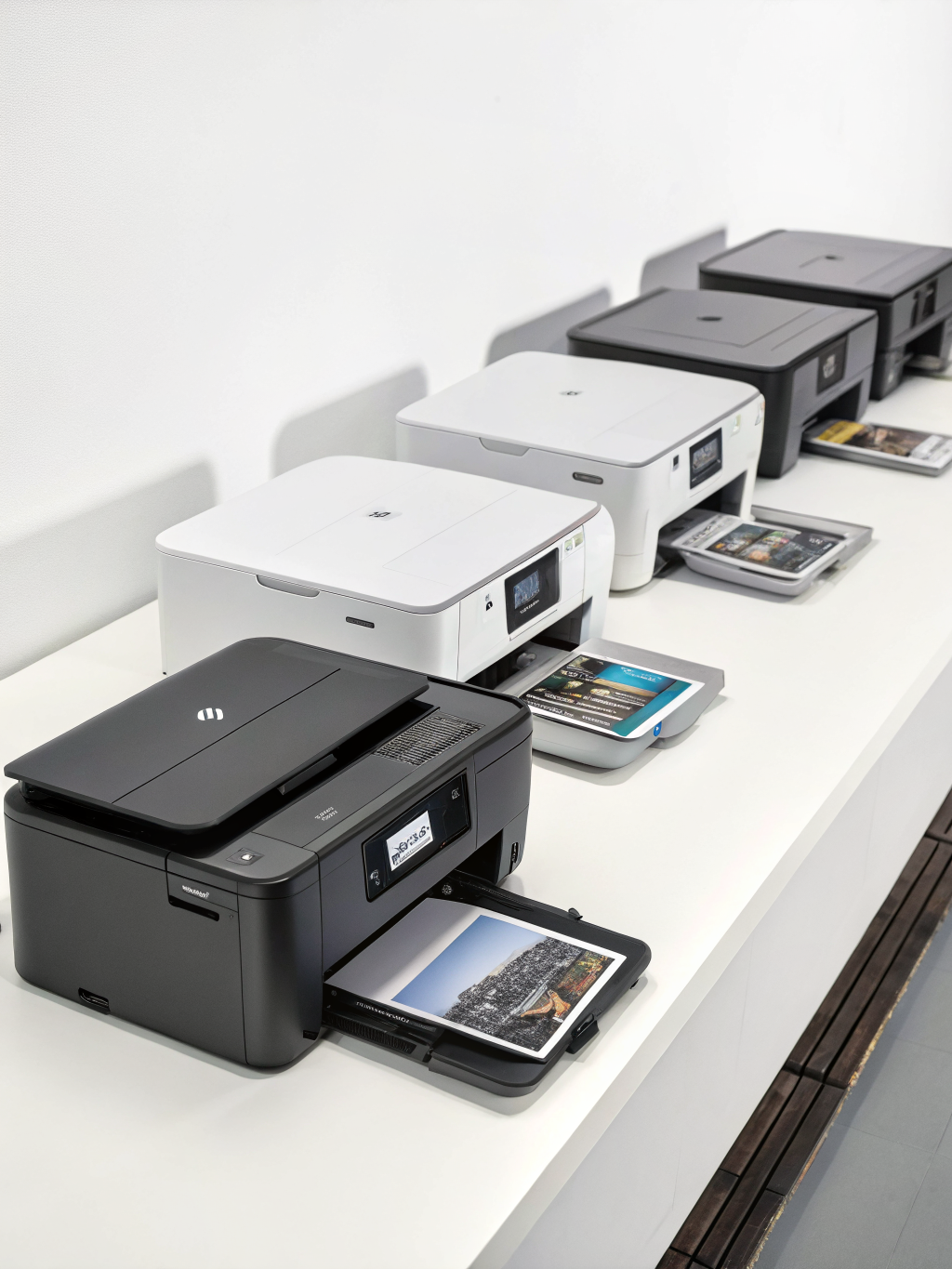
The picks below are popular, consistently top-rated, and frequently “Amazon’s Choice” or best-sellers in their categories (availability can vary). Use this table to narrow your shortlist fast.
| Rank | Model (Type) | Best for | Key strengths | Trade-offs |
|---|---|---|---|---|
| #1 | Epson EcoTank ET-2800 (Ink tank) | Lowest running cost + steady home office use | Very low cost/page, strong scan tools, auto duplex | Higher upfront price |
| #2 | Brother MFC-J4335DW (Inkjet) | Value + everyday reliability | Solid speed, duplex, good app, sensible ink options | Photo quality is “good,” not gallery-level |
| #3 | HP OfficeJet Pro 9125e (Inkjet) | Busy households + light home business | Fast printing, ADF, strong document features | Ink plan prompts can be annoying for some |
| #4 | Canon PIXMA TR8620a (Inkjet) | Photo-friendly family printing | Great color/photos, versatile media handling | Ink cost/page can be higher |
| #5 | HP LaserJet MFP M234sdw (Mono laser) | Sharp text + low fuss | Fast, crisp black text, toner efficiency, duplex | No color printing |
How we picked the Best All-in-One Printers for Home Use
To keep this list practical (not just spec-sheet hype), the rankings prioritize what actually matters at home:
- Total cost of ownership: ink/toner yield and real-world running costs (often the #1 pain point).
- Reliability & maintenance: clog resistance, cartridge/tank behavior, and routine upkeep.
- Speed & duplex: especially for schoolwork and multi-page PDFs.
- Scanning convenience: flatbed quality, ADF (automatic document feeder), and software usability.
- Wireless experience: Wi‑Fi stability, mobile printing, and setup friction.
You’ll see a mix of ink tank, inkjet cartridge, and monochrome laser—because the “best” home all-in-one is different for a photo-heavy family than it is for someone printing mostly shipping labels and tax forms.
1) Epson EcoTank ET-2800 — Best overall for low-cost printing
If your household prints consistently (not just occasionally), an ink-tank system is often the most economical route. The EcoTank ET-2800 is regularly ranked high on Amazon for a reason: it’s built to reduce the “ink anxiety” that comes with cartridges.
Why it works
- Refillable tanks typically deliver dramatically lower cost per page than standard cartridges.
- Auto duplex printing helps cut paper use without extra effort.
- ADF scanning makes multi-page school packets and forms much easier.
Pros
- Excellent long-term value for frequent printing
- Clean, predictable refills (no tiny cartridge swaps)
- Strong “home office” feature set: duplex + ADF
Cons
- Higher upfront price than many cartridge printers
- If you print very rarely, ink systems can still require occasional maintenance cycles
Best for
Families with steady printing needs (schoolwork, schedules, recipes) and anyone trying to minimize ongoing ink spend while still getting scan/copy functionality.
2) Brother MFC-J4335DW — Best value all-in-one for everyday home use
Brother has a strong reputation for practical, no-drama home office printers. The MFC-J4335DW is a sweet spot: capable enough for daily use, but priced like a “normal” household device.
Why it works
- Balanced performance: good text quality, solid speed, and reliable wireless printing.
- Duplex printing standard (a must-have in 2026 for most buyers).
- Good ink strategy: compatible with higher-yield options that reduce replacement frequency.
Pros
- Strong day-to-day reliability for mixed tasks (print/scan/copy)
- Typically competitive ink yields and reasonable running costs
- Compact enough for a desk or shelf in a shared space
Cons
- Photo output is fine for casual use, but not the best in this list for photo enthusiasts
- ADF capacity and scan speed are “home-grade,” not enterprise
Best for
Anyone who wants a dependable home all-in-one without overpaying—great for students, families, and hybrid workers.
3) HP OfficeJet Pro 9125e — Best for busy households and home offices
If your printer is basically a small-office workhorse—multiple users, frequent scanning, and lots of pages—the OfficeJet Pro 9125e earns its place among the Best All-in-One Printers for Home Use. It’s designed for volume and speed more than “occasional” printing.
Why it works
- Fast document printing for the category.
- ADF scanning supports multi-page workflows (permission slips, invoices, contracts).
- Strong app ecosystem for scanning to cloud/email and mobile printing.
Pros
- Great for shared household use (multiple devices, frequent tasks)
- Efficient duplex printing and scanning features
- Clean text for forms, letters, and schoolwork
Cons
- Some users dislike subscription prompts (depending on region and setup choices)
- Like many inkjets, it benefits from printing at least occasionally to keep ink flowing
Best for
Hybrid workers, side businesses, and families that print/scan constantly and want a streamlined “office-style” experience at home.
4) Canon PIXMA TR8620a — Best for photos + creative projects
A lot of “home printer” lists focus only on documents—but real homes print invitations, color worksheets, craft templates, and photos. Canon’s PIXMA line tends to shine when color nuance matters.
Why it works
- Strong color reproduction for an all-in-one, especially on quality photo paper.
- Versatile media handling for creative projects and different paper types.
- Good scanner for preserving kids’ artwork and old photos (with proper settings).
Pros
- Very good photo and color output for a home-focused device
- Great for crafts, templates, and high-quality color prints
- Compact design that fits family spaces well
Cons
- Ink cost per page can be higher than tank-based options
- If your printing is mostly black-and-white text, you may be paying for color capability you don’t use
Best for
Families and creators who print photos, color-heavy school materials, and craft projects—and care about how the output looks.
5) HP LaserJet MFP M234sdw — Best monochrome laser for crisp text
If you rarely print color but want sharp, professional text (and you want fewer ink headaches), a monochrome laser is often the most “set it and forget it” option. This model frequently ranks highly on Amazon for home offices.
Why it works
- Toner efficiency tends to be excellent for black text.
- Fast first page and steady multi-page output, great for packets.
- Duplex printing is typically standard at this level.
Pros
- Crisp, smudge-resistant black text
- Less risk of printhead clogs compared to inkjets (especially for infrequent printing)
- Great for forms, returns, labels, and school documents
Cons
- No color printing (not ideal for photos or color worksheets)
- Upfront cost can be higher than entry inkjets
Best for
Home offices and students who primarily print black-and-white documents and want reliability over color features.
Best option by use case (quick recommendations)
- Lowest long-term ink cost: Epson EcoTank ET-2800
- Best value “do-it-all” pick: Brother MFC-J4335DW
- Best for heavy scanning + busy households: HP OfficeJet Pro 9125e
- Best for photos and creative printing: Canon PIXMA TR8620a
- Best for black text and low-fuss printing: HP LaserJet MFP M234sdw
Buying tips (what to check before you click “Add to Cart”)
1) Don’t skip duplex
Automatic double-sided printing saves paper and time. For most households, duplex is one of the easiest “quality of life” upgrades.
2) Match the printer type to your printing habits
- Print a lot: ink tank systems (EcoTank-style) often win on cost/page.
- Print occasionally: monochrome laser can be less fussy than inkjets.
- Print photos: prioritize photo handling and color quality over raw speed.
3) Check scanner workflow: flatbed vs. ADF
If you scan multi-page forms even a few times per month, an ADF quickly pays for itself in saved time.
4) Understand ongoing costs
A printer that’s cheap today can be expensive later. Before buying, look up:
- High-yield ink/toner availability
- Replacement cartridge/toner pricing
- Estimated page yields (and real-world user reviews)
Common mistakes (and how to avoid them)
- Buying for “peak needs” you rarely have: If you print color once a year, a laser mono might make more sense.
- Ignoring physical size: Measure your shelf/desk and check tray clearance (rear-feed printers need extra space).
- Skipping router placement: Many “wireless printer issues” are actually weak Wi‑Fi signal problems.
- Using the wrong paper settings: Photo paper printed on “Plain Paper” mode usually looks dull and wastes ink.
Maintenance & longevity: keep your all-in-one running for years
- Print something monthly: For inkjets, a simple test page can help prevent nozzle issues.
- Use draft mode for everyday text: Saves ink and is usually readable for internal pages.
- Keep it dust-free: Paper dust and household dust can affect feed rollers over time.
- Update firmware carefully: Updates can improve reliability, but read notes/reviews if you rely on third-party ink.
- Store paper properly: Humidity can cause curling and jams—especially with cheaper paper.
FAQs: Best All-in-One Printers for Home Use (buyer-focused)
What’s the best all-in-one printer for home use in 2026 overall?
For many households, an ink-tank all-in-one like the Epson EcoTank ET-2800 is the best overall balance of print/scan/copy features and low running costs—especially if you print regularly.
Is a laser printer better than an inkjet for home?
Laser is often better for crisp black text, speed, and low maintenance—particularly if you print infrequently. Inkjet is better if you need color, photos, or versatile media handling.
Which is more affordable long-term: cartridges or ink tanks?
Ink tanks typically win long-term for households that print a lot. Cartridge printers can be fine for lighter printing, but cost per page can rise quickly if you print often.
Do I really need an ADF (automatic document feeder)?
If you scan multi-page documents more than occasionally (school packets, bills, forms), yes—an ADF saves time and makes scanning far less annoying.
What should I look for in a home all-in-one printer for students?
Prioritize duplex printing, reliable Wi‑Fi, and reasonable ink/toner costs. If the student prints mostly text, a monochrome laser can be an excellent, low-hassle choice.
How do I reduce ink costs at home?
- Use draft mode for routine text
- Print double-sided
- Choose high-yield cartridges/toner
- Consider an ink-tank printer if you print frequently
Final take: picking the right printer is really picking the right “printing lifestyle”
The Best All-in-One Printers for Home Use aren’t just the ones with the longest feature list—they’re the ones that match how your household actually prints. If you want the lowest ongoing costs, lean toward ink tanks. If you want crisp documents with minimal upkeep, go monochrome laser. And if photos and color projects matter, choose a Canon-style color performer built for creative output.